
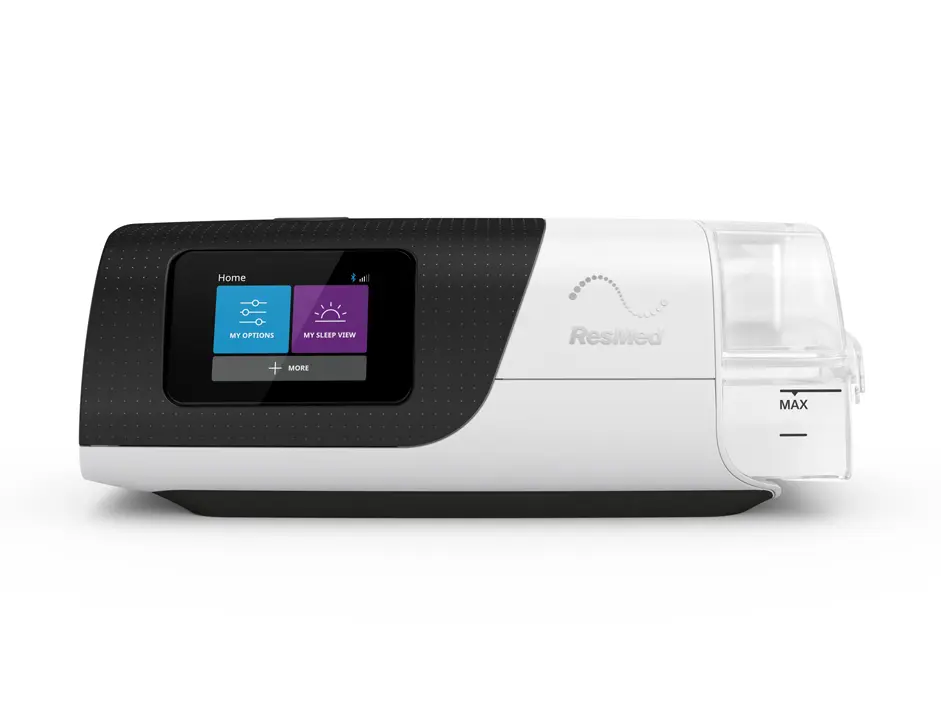
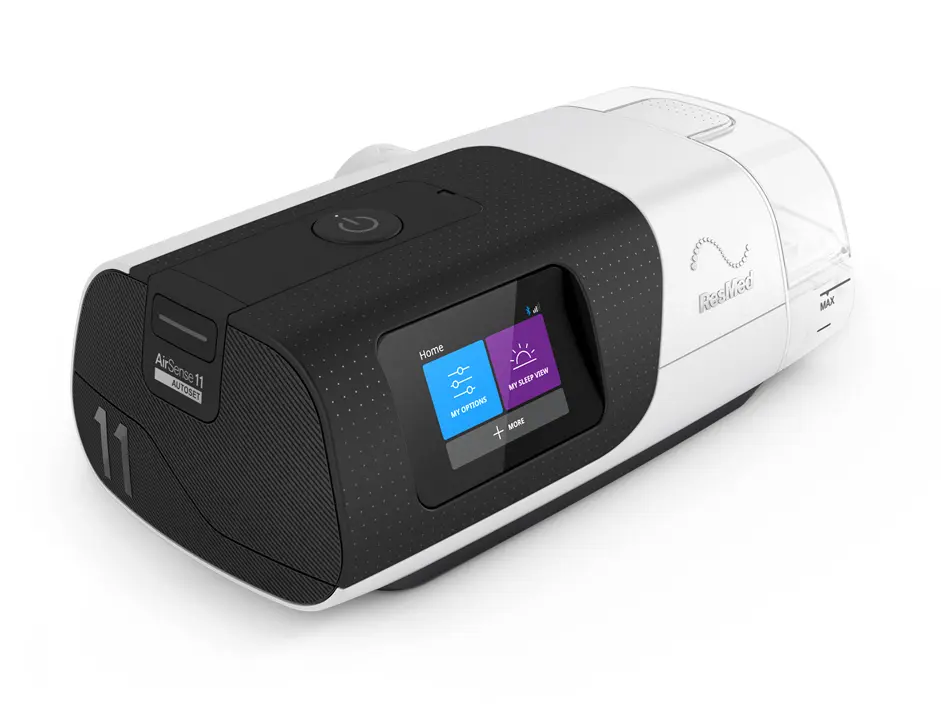
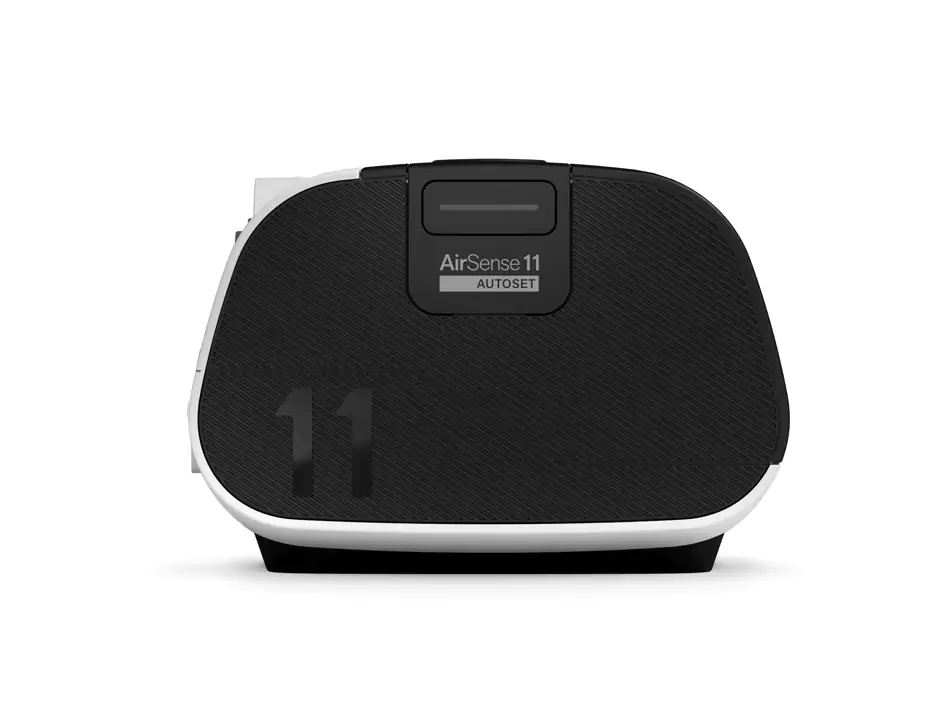
ResMed AirSense 11 AutoSet TriPack 4G (India)
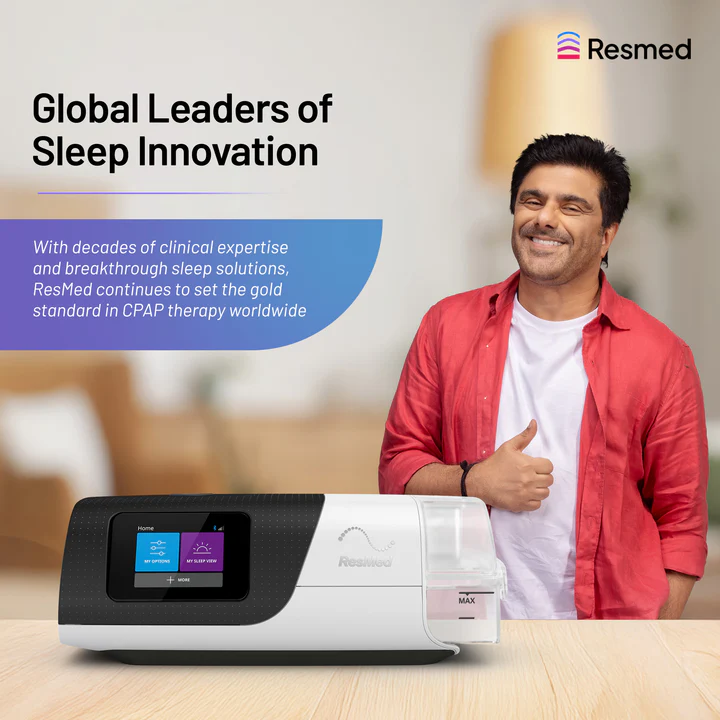
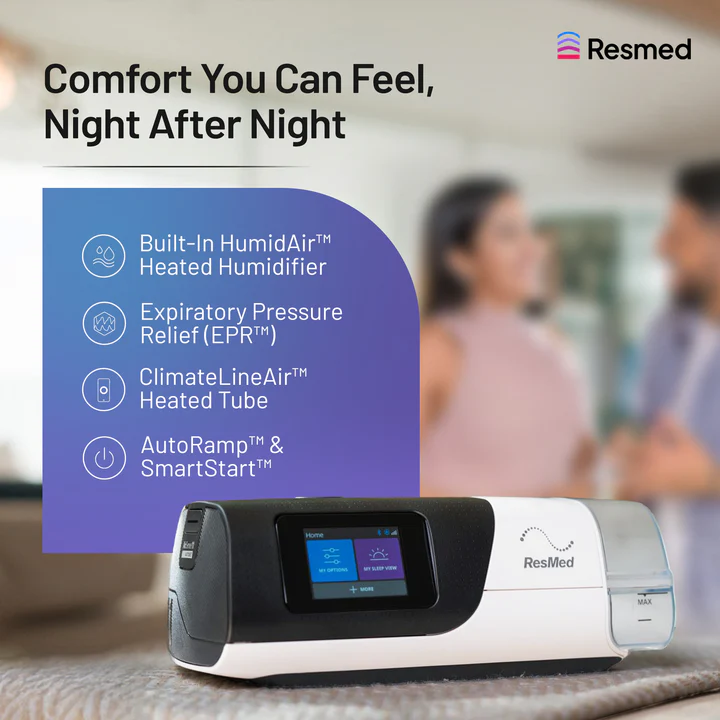
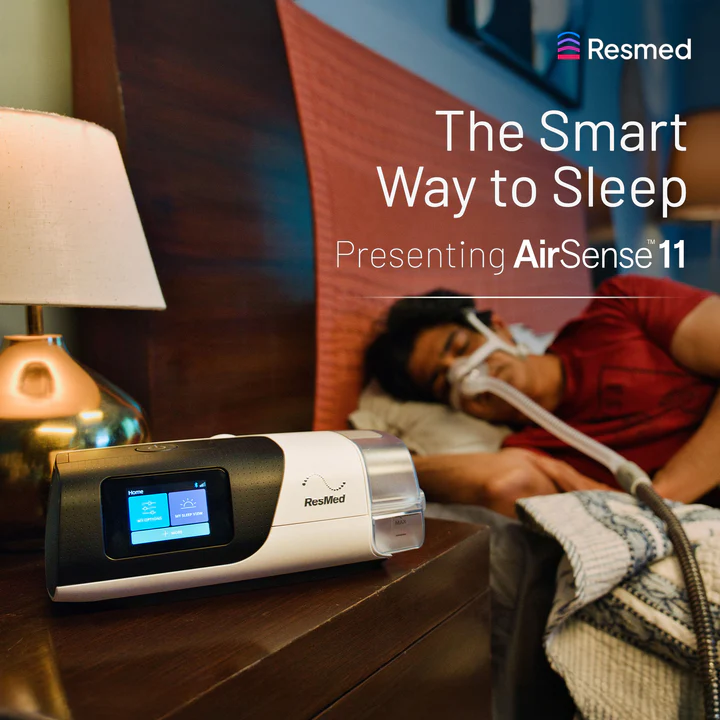
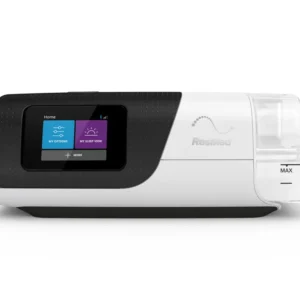
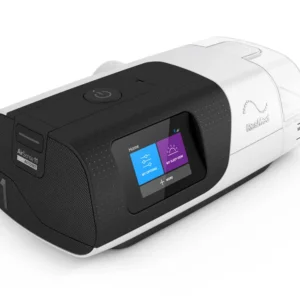
Introducing ResMed AirSense™ 11 AutoSet Tripack, is the next generation CPAP machine that can auto-adjust air pressure based on your breathing requirements. To help make CPAP therapy easy and comfortable, AirSense™ 11 AutoSet comes with three different therapy modes, automatic updates and an enhanced design to simplify set up.
Overview –
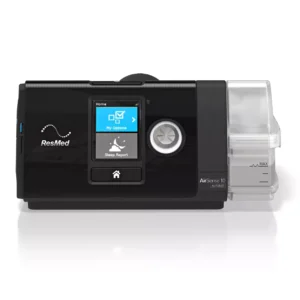
The ResMed AirSense 11 AutoSet TriPack 4G is an advanced auto-adjusting CPAP machine designed to provide personalized and effective sleep apnea therapy. Built with modern features like 4G connectivity, an integrated heated humidifier, and an intuitive touchscreen interface, it offers unmatched convenience and clinical accuracy. The TriPack includes essential accessories, making it a complete therapy solution for users in India.
Why to Choose This Model.?
- Trusted, clinically-tested solution for Obstructive Sleep Apnea (OSA)
- Ultra-quiet operation for undisturbed sleep
- Lightweight and portable — ideal for travel and daily use
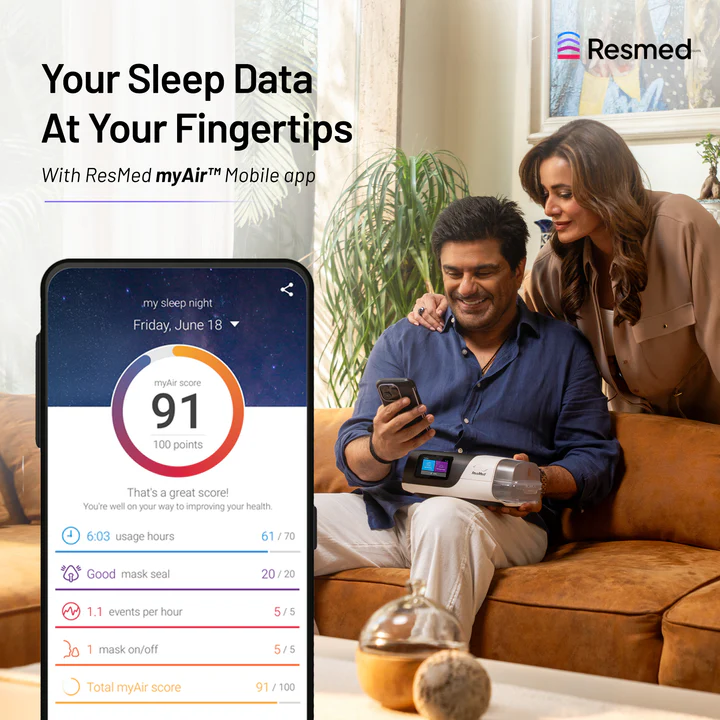
- Seamlessly track your therapy through the ResMed MyAir™ app
Key Features of Resmed Airsense 11 Autoset
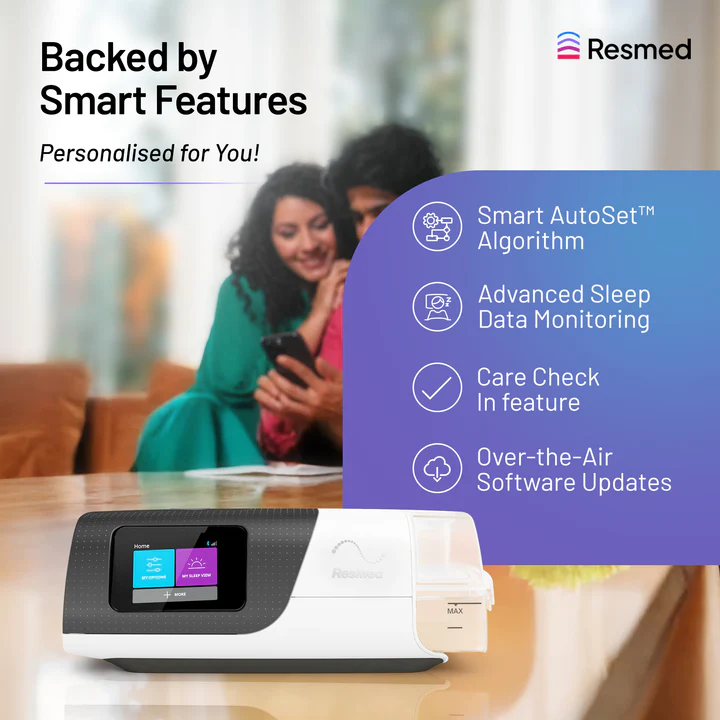
- Auto-Adjusting Therapy Modes: Offers standard AutoSet, AutoSet for Her, and CPAP mode for personalized therapy.
- Integrated Heated Humidifier: Prevents dryness and irritation by maintaining optimal humidity levels during therapy.
- AutoRamp™ with Sleep Onset Detection: Starts at a low pressure and gradually increases as the user falls asleep.
- EPR™ (Expiratory Pressure Relief): Eases exhalation by reducing pressure during the breathing-out phase.
- Advanced Event Detection: Recognizes and records events like central sleep apnea, RERA, and Cheyne-Stokes respiration.
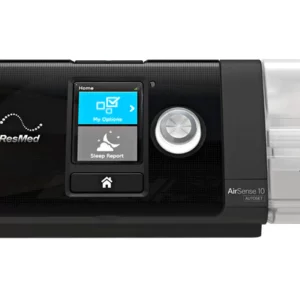
- Touchscreen Interface: Full-color display with ambient light adjustment for easy operation at night.
- Quiet Operation: Operates at approximately 27 dBA for minimal disruption during sleep.
- Care Check-In and Personal Therapy Assistant: Offers tailored coaching and onboarding through the device and the mobile app.
- Wireless Connectivity: Built-in 4G modem for remote data monitoring via ResMed AirView™. Also supports Bluetooth and myAir™ app integration.
Technical Specifications of Resmed Airsense 11 Autoset
| Parameter | Details |
|---|---|
| Therapy Modes | AutoSet, AutoSet for Her, CPAP |
| Pressure Range | 4–20 cmH₂O |
| Ramp Settings | AutoRamp or Manual (0–45 min in 5-min steps) |
| EPR Levels | Adjustable (1 to 3) |
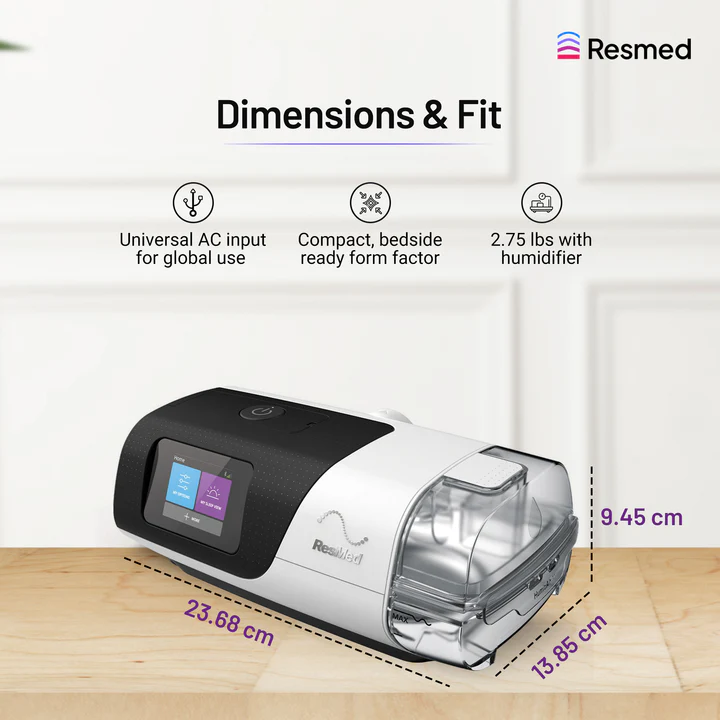
| Weight | 1.13 kg (1.16 kg with humidifier) |
| Dimensions | 236.7 × 94.5 × 138.5 mm |
| Sound Level | ~27 dBA (±2 dBA) |
| Humidifier Capacity | 380 mL |
| Tubing | SlimLine or ClimateLineAir (heated) |
| Power Supply | 100–240V AC, 50–60Hz; 56W typical, 73W peak |
| Data Storage | SD Card Slot |
| Connectivity | 4G cellular, Bluetooth |
| Altitude Compensation | Automatic up to 3,000 m (approx. 9,870 ft) |
| Oxygen Compatibility | Up to 15 L/min oxygen flow |
| FAA Approved | Yes |
| FDA & CE Certified | Yes |
| Country of Manufacture | Australia |
Resmed Airsense 11 Autoset Tri 4G Video –
How to Connect Your ResMed AirSense 11 with myAir Application.
Easily connect your ResMed AirSense 11 to the myAir app via Bluetooth for real-time sleep therapy tracking, personalized coaching, and daily progress updates. Below is the process –
First Step : Download the myAir™ App
- iPhone (iOS): Go to the App Store and search for “myAir by ResMed.”
- Android: Visit Google Play Store and search for “myAir by ResMed.”
- Download and install the app.
Second Step : Create or Log Into Your Account
- Open the myAir app.
- Select “Sign Up” if you are a new user or “Log In” if you already have an account.
- Fill in the required details, including device serial number and device number (found on the back or bottom of your AirSense 11 unit).
Third Step : Enable Bluetooth on Your Smartphone
- Ensure Bluetooth is turned on from your phone settings.
- Keep the phone close to the AirSense 11 device.
Fourth Step : Pair the Device
- On the AirSense 11 screen, go to:
- Menu → My Options → Bluetooth → On
- The device will begin searching.
- On the myAir app, select “Pair Device”.
- When the device appears, tap it to complete pairing.
- A confirmation code may appear on the device screen—enter it on your phone if prompted.
Fifth Step : Start Syncing
- Once paired, your AirSense 11 will automatically upload your sleep therapy data daily.
- You’ll receive:
- Daily myAir scores
- Tips and coaching
- Visual progress and compliance reports
- iPhone (App Store): myAir™ by ResMed myair.resmed.com+12apps.apple.com+12support.resmed.com+12
Android (Google Play): myAir™ by ResMed play.google.com
App Download Links
Web Access
-
Visit myAir.ResMed.com to register or log in via your web browser
-
Things to keep in your mind while Purchasing a Resmed Airsense 11 Autoset
- Make sure your machine has cellular signal or is Bluetooth-connected for data to sync.
- You don’t need Wi-Fi for myAir—the AirSense 11 uploads data over 4G automatically.
What’s in the Resmed Airsense 11 TriPack 4G Box –
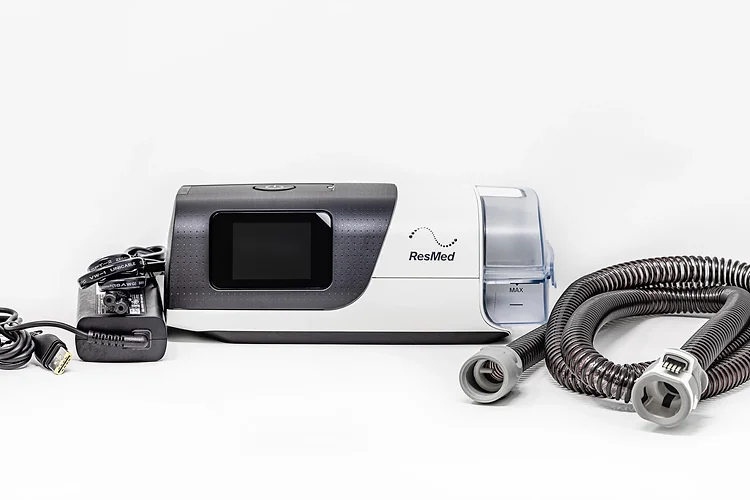
- ResMed AirSense 11 AutoSet CPAP Machine
- Standard water chamber
- ClimateLineAir tubing
- Power supply and AC cord
- Disposable air filter (pre-installed)
- Travel carry bag
- User Manual
Note: Mask is not included in the box.
You can explore our range of Bipap / Cpap Masks
Additional information
Warranty – 2 years


Reviews
There are no reviews yet.